
iBabs vs Microsoft Teams
In today's digital workplace, choosing the right platform for board management and collaboration is crucial for efficiency and productivity. This useful comparison places iBabs and Microsoft Teams side by side and examines the differences, similarities and how each software complements the other

The key differences
See how Teams and iBabs complement each other
Where does iBabs go the extra mile for your meetings?
Notes & annotations
Prepare for your meetings by making notes on your agenda items and annotations on your board documents (can be done even offline!) and share them easily with other board members.
Dashboard
Access your personalised homepage where you can instantly see all your upcoming meetings, action items and relevant reports on your dashboard.
Dossiers
Manage complex decision making processes in your organisation by creating an approval route for your documents and drive them through multiple layers of decision-making while simultaneously creating transparency around the process.
Discussion items
Make your meetings more efficient by determining in advance which topics you want to discuss and which can be agreed upon beforehand unanimously.
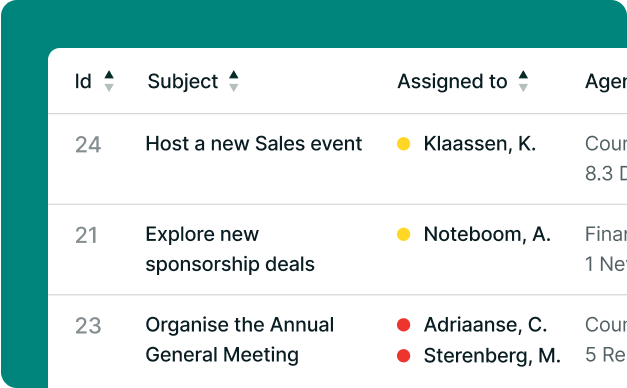
Actions & decisions
Keep track of all your actions and decisions. Assign tasks to the relevant stakeholder and track progress with our traffic light system.
Digital signatures
Sign documents within the iBabs platform with our legally valid electronic signature.
Additional iBabs functionalities
Draft meeting minutes in iBabs and easily track actions, decisions, votes, and motions.
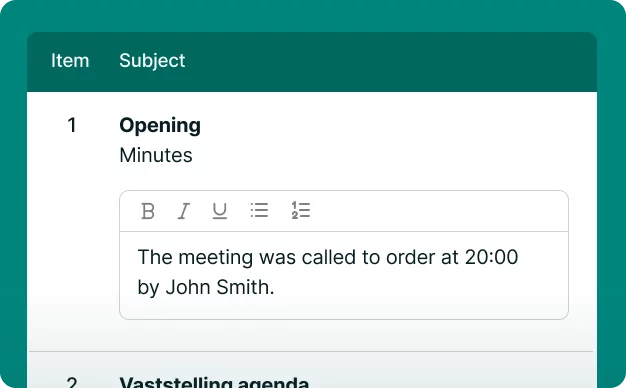
Minute taking
Draft meeting minutes in iBabs and easily track actions, decisions, votes, and motions.
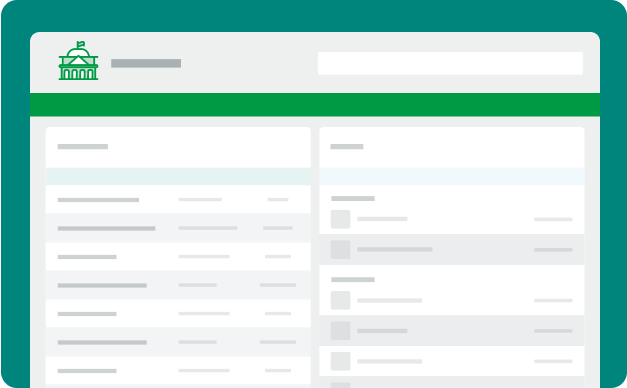
Public Portal
Increase transparency by streaming meetings and publishing outcomes via your tailored Public Portal.
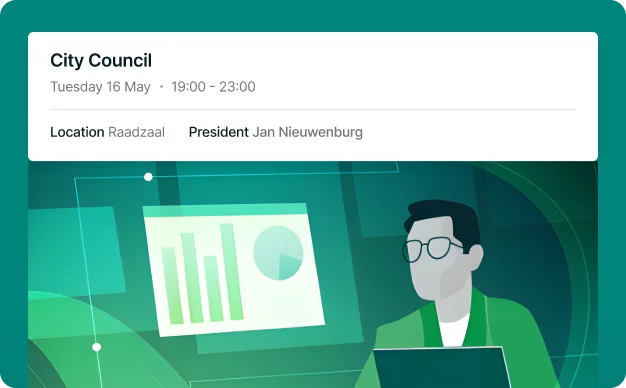
Streaming
Broadcast public meetings live or on demand directly from your iBabs environment.
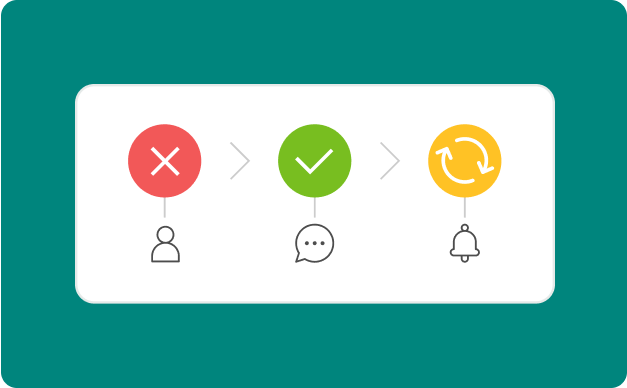
Approval flow
Keep approvals efficient with tailored workflows and automatic notifications.
Access controls & Permissions
Set permissions so users access the right content while keeping information secure.
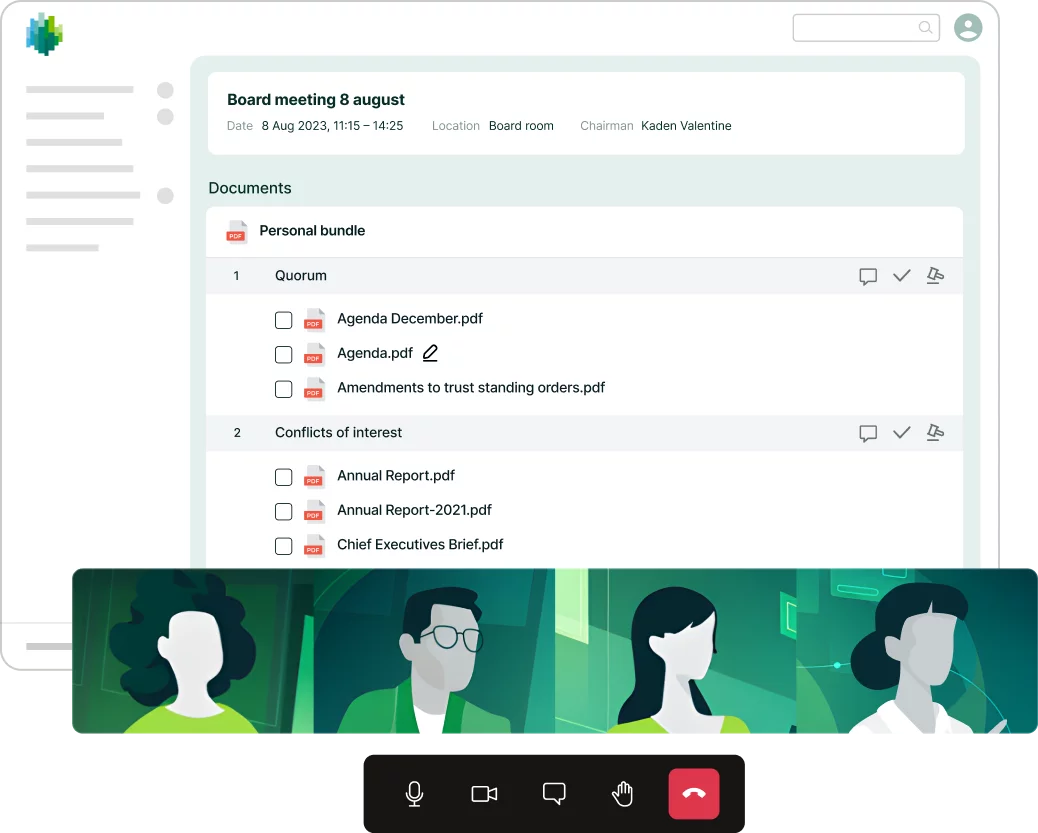
Did you know you can also video call with iBabs?
While it's well-known that Microsoft Teams excels at facilitating video calls, did you know that iBabs offers robust and integrated video conferencing capabilities?
By using our Video Conferencing feature board members are able to engage in secure and high-quality video meetings directly within our board portal, ensuring that all discussions remain confidential and centralized.
With integrated video calling, board members can seamlessly transition from reviewing documents to live discussions without having to switch platforms or use unsecure third party B2C solutions.
Conclusion
Each platform has a unique role within decision-making, communication, and collaboration. It depends on the specific needs of your organisation whether you need iBabs, Microsoft Teams, or both. By leveraging both platforms, organizations can enjoy the best of both worlds: using Teams for rapid, informal communication and day-to-day collaboration, while depending on iBabs for secure decision-making and governance. With complementary strengths, these tools together provide a comprehensive solution to enhance productivity, governance, and overall organizational efficiency
Ready for iBabs?
If you’d like a conversation about iBabs, or a live demo, you can book directly into the calendar of one of our team. Just enter your details below and you will be able to pick a date and time that suits you.
Please fill in the quick form
Loading form…